


Blog
How to Set Up and Use Your Xiaomi Robot Vacuum Efficiently
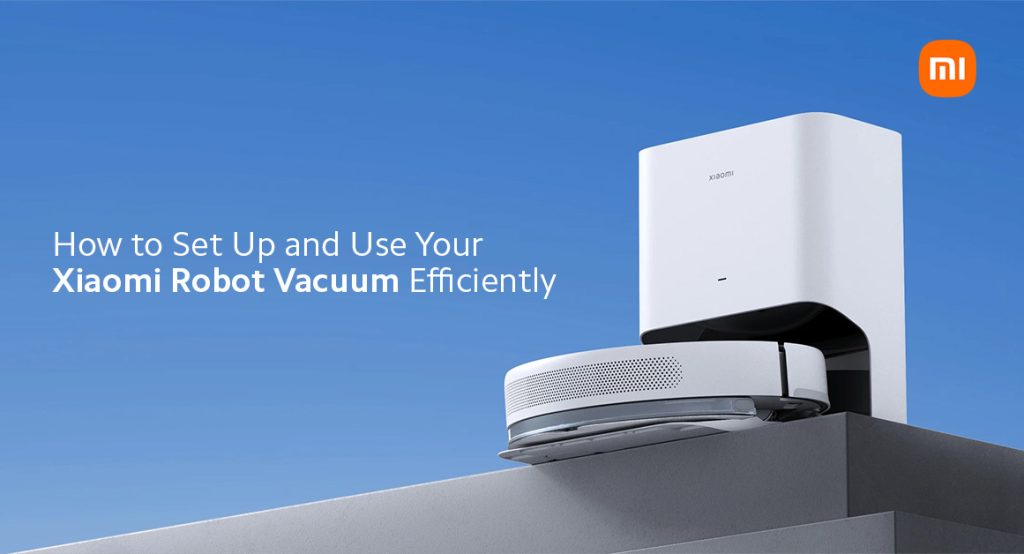
Life in Pakistan is getting busier day by day. You get less time for cleaning and more things to do. That’s where Xiaomi smart home products come in. If you are tired or have no energy to sweep the floors and clean the dust every day, we think it’s time you switch to a better solution: Xiaomi robot vacuums. These smart robot vacuums are made to make life easier for individuals like you. Whether you live in a flat in Karachi or a house in Lahore, these machines clean your space without any effort.
When you buy a Xiaomi robot vacuum, you bring home a smart helper that saves you time and keeps your home clean. These devices move around your house, clean every corner and return to their charging dock on their own. They pick up dirt, dust, hair and even fine particles. Xiaomi vacuums are smart, quiet and fast. In today’s modern world, upgrading your home is not a luxury—it’s a need. If you’re looking at Xiaomi robot vacuum prices in Pakistan, you’ll find great options that fit your budget.
Smart Cleaning Features You’ll Love
Xiaomi robot vacuums come with many smart features that give them an edge. These devices are easy to use and perfect for both small and large homes.
- Intelligent Mapping and Navigation
These vacuums scan your room and build a map using sensors. They remember your floor pattern and cover the whole area while cleaning, so no spot is left behind. The robot vacuums are smart; they don’t bump around into your furniture or other stuff. It moves carefully and covers the whole room.
- Powerful Suction
Xiaomi robot vacuums come with strong suction power that is more than enough to pick up every bit of dirt and dust on the floor. From hard floors to carpeted areas, the vacuums work well on all kinds of floors. Some models adjust suction power based on the floor type.
- Smart App Control
You can control your vacuum using the Mi Home app. Connect your vacuum to Wi-Fi and you’re good to go. You can start, stop and set cleaning times all from your mobile phone.
- Auto-Charging and Resuming
If the battery goes low during the cleaning session, the vacuum automatically returns to its charging dock and can plug itself in. After it is completely charged, it resumes cleaning right from the spot it stopped. You don’t even have to touch or replace it on the floor.
Step-by-Step Guide to Set Up Your Xiaomi Robot Vacuum
Setting up your robot vacuum is quick and simple. Follow these steps to get started:
- Unbox Your Robot Vacuum:
Unbox and take out all contents: the machine, charging dock, power cable and the user manual. Remove stickers and plastic covers from the products.
- Place the Charging Dock:
Carefully choose a wall in your house where you have space on both sides. Place the dock on a flat surface. Plug in the power cable and make sure it’s switched on.
- Charge the Vacuum:
Put the vacuum on the dock. It will start charging automatically. Let it charge fully before your first use.
- Connect to the Mi Home App:
- Install the Mi Home app on your mobile phone.
- Make sure your Wi-Fi and Bluetooth are on.
- Press and hold both the power and home buttons on the vacuum to pair it to your mobile.
- The app will find your device. Follow the instructions on the screen to connect to the vacuum.
- Start First Cleaning:
Once charged, tap the “Start” button on the app or vacuum. It will begin mapping your room and cleaning at the same time.
How to Use Your Xiaomi Robot Vacuum Daily
Daily use becomes simple once your vacuum is set up and paired with your device.
- You have to keep the charging dock plugged in all day.
- Remove small obstacles such as toys, wires and boxes from the floor before starting.
- Open doors of rooms where you want it to clean.
- Use the app to schedule a daily cleaning routine.
- The vacuum will automatically return to its charging dock after cleaning.
Tips to Maintain Your Xiaomi Robot Vacuum
Taking good care of your vacuum will make it last longer and keep it working smoothly for a long time. Follow these easy tips:
- Clean the Dust Bin: After every few cleanings, open the dust bin and empty it. Wipe it with a dry cloth if needed.
- Wash or Replace Filters: Some filters are washable and some need replacement. Check the manual for your model and clean or change the filter as advised.
- Clean the Brushes: While daily cleaning, hairs and dirt can get stuck on the main brushes and to the sides of the vacuum. Clean them by removing every week to keep the vacuum operating well.
- Keep WiFi Stable: Stable WiFi is a must. Make sure the WiFi in your home or office stays on so your vacuum can connect to the app and follow the daily cleaning schedule efficiently.
- Update Firmware: The Mi Home app may show firmware updates. These updates improve performance. Keep your app and device updated.
Final Verdict
Xiaomi robot vacuums are a smart choice for Pakistani homes. They are simple to use, powerful in performance and easy to maintain. Now that you know how to set up and use them properly, you’ll see how useful they are in daily life. From dust cleaning to auto-charging, these vacuums take care of it all. At Mishop.pk, we offer the latest models at the best Xiaomi robot vacuum price in Pakistan. You get free delivery across the country and 100% original products.
Whether you need the Xiaomi Robot Vacuum E10C or Xiaomi Robot Vacuum X10 or any other Xiaomi smart home product, we’ve got you covered. We also deal in Xiaomi mobiles, Poco phones, earbuds and more. Our prices are low and our service is fast. Order now and bring smart cleaning into your life with a Xiaomi robot vacuum from Mishop.pk.


